Voice-activated AI robotics

A robot that teaches kids to think like engineers.

SaySpark is a voice-activated AI robotics learning studio where students describe ideas, test them in a simulator, and watch Spark Mini bring them to life.

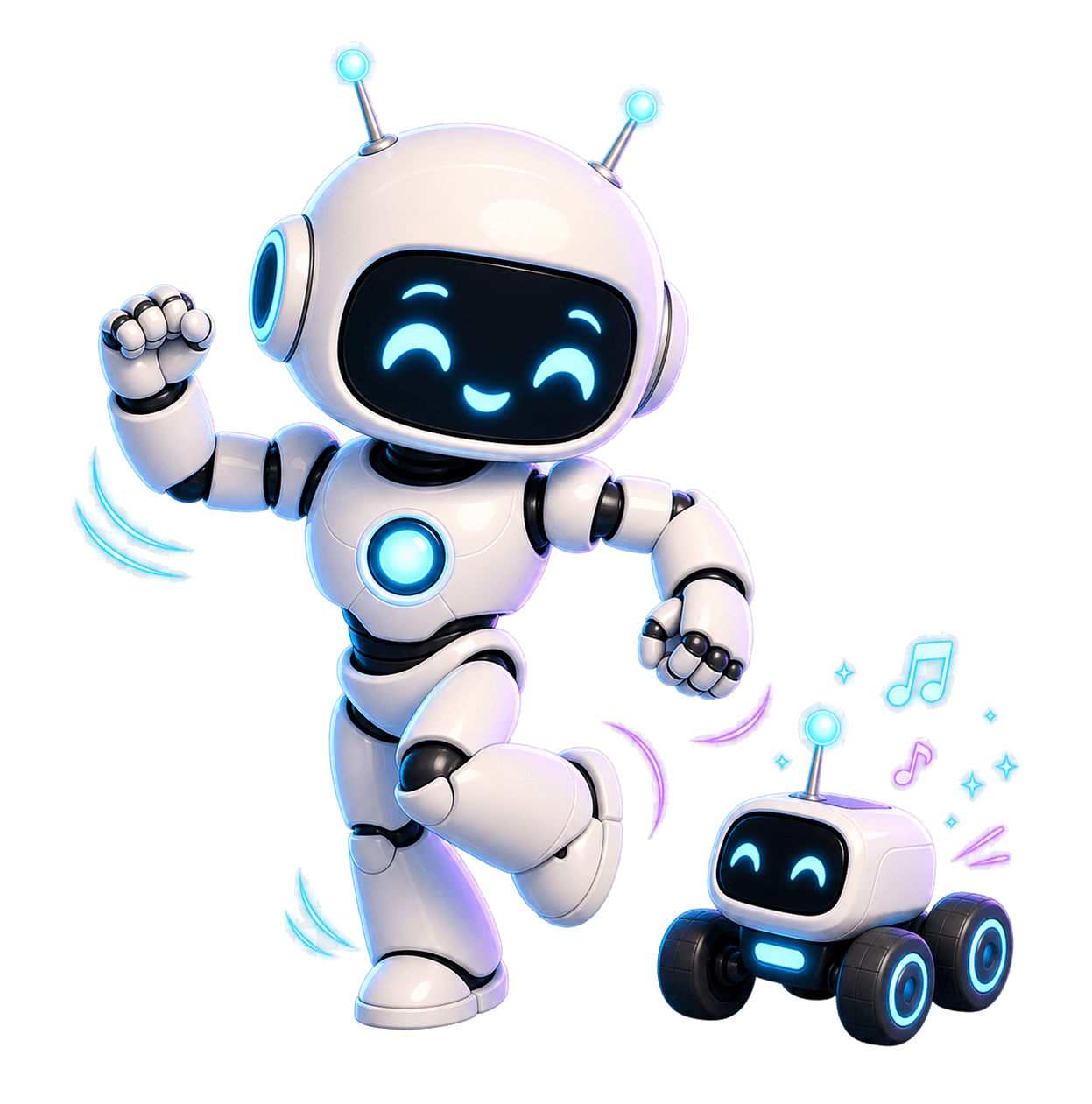
Spark AI tutor running beside Spark Mini
Spark AI Tutor
Spark Mini
SketchBot — Room 2BRobot connected
← Menu🤖✏️ SketchBot〰️ Path Planning ▾
✏️ Lv.4
340 XP🔥 9
⚡ Builder ▾Simulator🗺️ Map
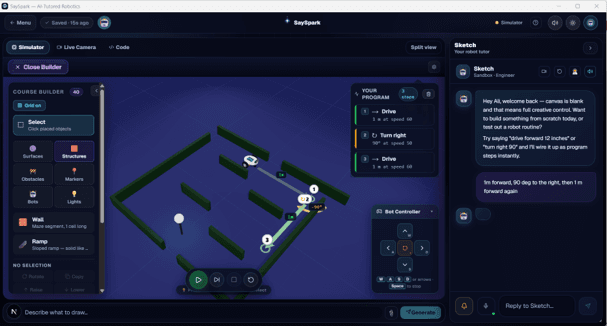
🤖 Simulator📷 Live Camera✏️ Code
W1W2W3SIM · path-planning · structuralpos (160, 76) · heading 0° · pen down
Describe what to draw…
📎🗂
🤖 Sketch · Tutor
Nice waypoint placement! The robot will interpolate a smooth Bezier curve through W1 → W2 → W3 instead of sharp turns.
IntroConceptTry ItQuizDraw!
🤔 If you moved W2 higher (larger y), would the arc get tighter or wider?
+40 XP on completion

The SaySpark system

One learning studio with two companions.

Spark lives in the app as the voice-first AI tutor. Spark Mini is the physical robot students can test, debug, and eventually take into real classrooms and homes.

Spark AI tutor interface and Spark Mini robot shown side by side
AI tutor interface
A friendly tutor that listens, gives feedback, explains concepts aloud, and helps students refine ideas when the robot gets stuck.
Hands-on robot
A small classroom-ready robot for mazes, soccer, drawing tasks, sensors, lighting, speech, and student-built challenges.

See it in action

Five challenges. One robot.

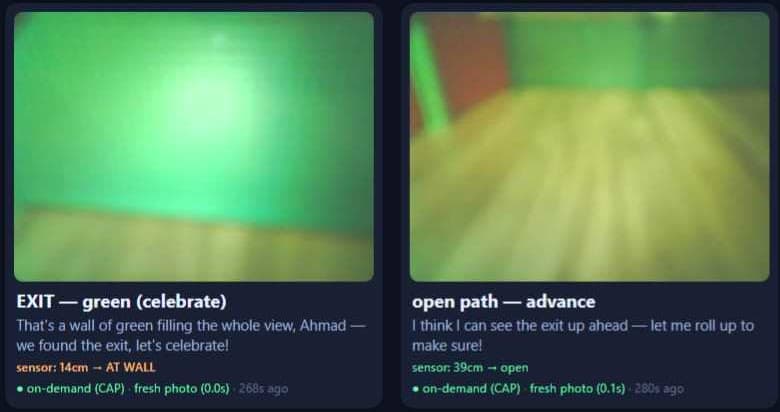
The 3D simulator below mirrors the real sandbox — same chassis, same motors, same sensors. What runs here runs on paper.

Three ways to learn

One robot. Every age.

The same physical robot adapts to the student. Six-year-olds talk to it. Teenagers write Python for it. The tutor speaks at their level.

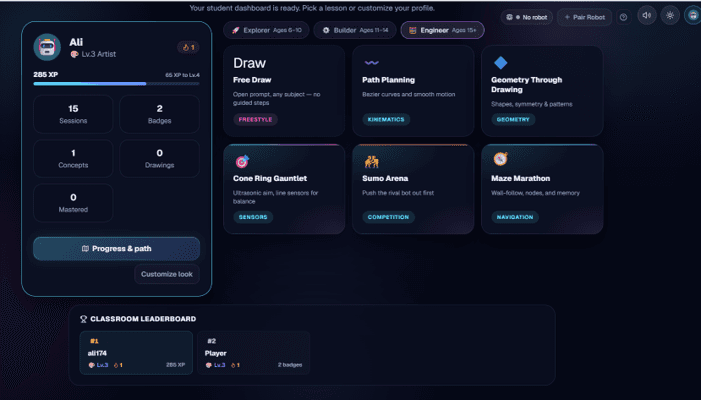
Explorer · 6–10
Words
Ask in plain language. The tutor turns the request into motion and explains the idea behind it.
Builder · 11–14
Blocks
Snap together move, turn, loop, and conditional blocks. See the path before the robot moves.
Engineer · 15+
Code
Write Python with the SaySpark SDK or flash C++ to the ESP32. The tutor switches to formal notation.

How a session runs

From prompt to drawing.

01
Launch the desktop app
The robot pairs over Bluetooth. The 3D simulator mirrors its arena.
02
Clip Camera Buddy above
Scan a QR code. A phone becomes the overhead camera — no setup wizard.
03
The tutor proposes a challenge
Spark picks something matched to the active concept and the student’s level.
04
The robot draws the answer
The student commands it in words, blocks, or code. Spark narrates the underlying idea.

The platform

A tutor, a robot, a camera, and an app — working together.

Spark, the AI tutor
Powered by Claude. Explains concepts as the robot performs them, asks Socratic questions, and adapts depth to each student.
Real hardware
A differential-drive robot with a servo pen, AprilTag localization, and Bluetooth pairing. Drives directly on paper.
Camera Buddy
Any phone or tablet becomes the overhead camera in one QR scan. Tutor speaks aloud through it during the session.
Desktop session
A 3D simulator, block and code editor, tutor panel, and live camera feed — all running locally on the classroom PC.

Where this goes next

Built for homes, classrooms, and robotics challenges.

The same voice-first studio can guide a student through a maze, run a robot soccer drill, or help a teacher launch a hands-on STEM activity without a complex hardware setup.

Future vision of SaySpark robots solving mazes, playing robot soccer, and learning in homes and classrooms

Free to start. Scales to a district.

Begin in the simulator with no robot and no card. Add hardware when the classroom is ready.

See pricingCreate free account